Exporting your data
You can export your data using the Export feature located at the top right of the datagrid:
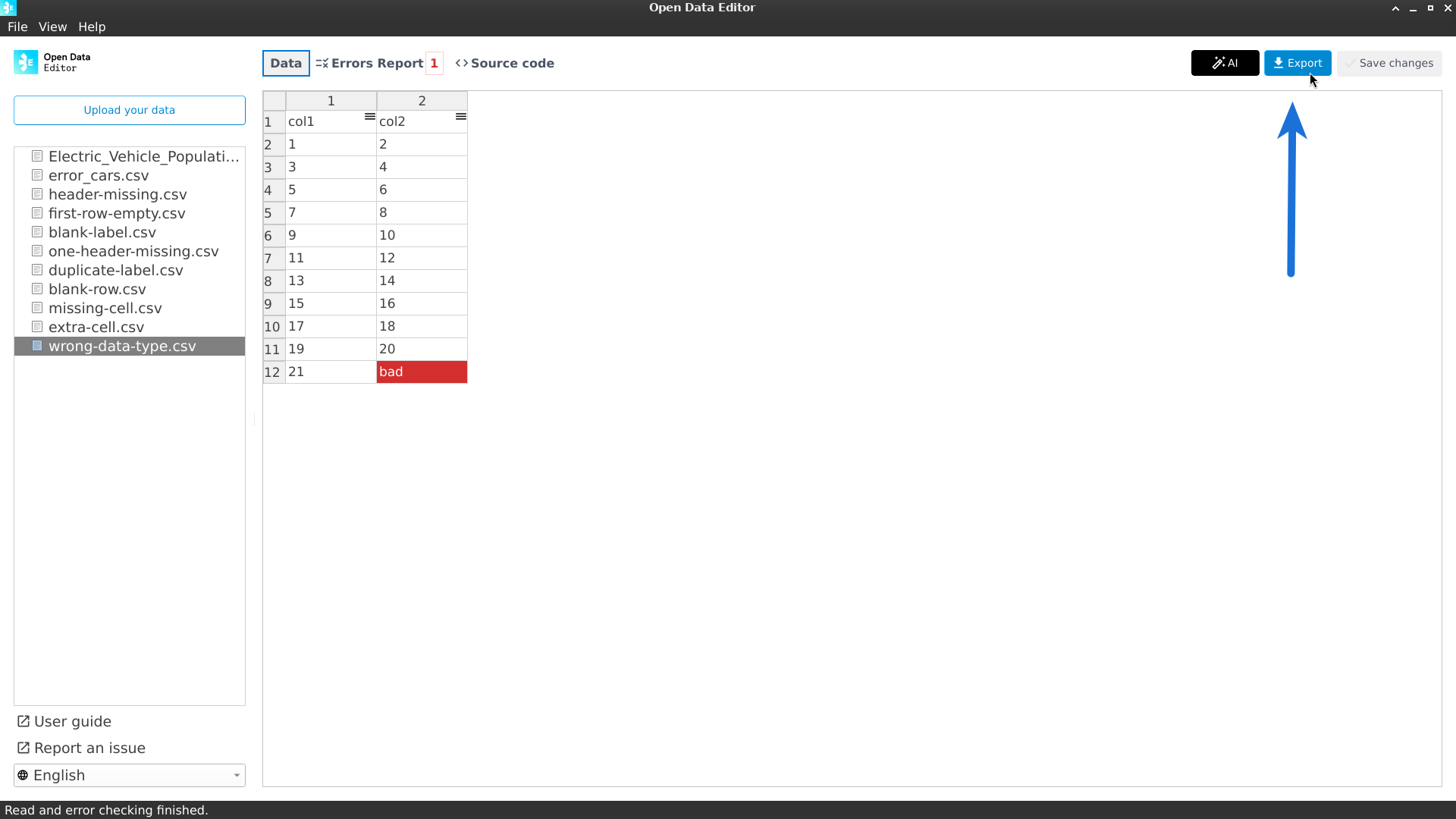
Once you click the Export button, ODE will display the following dialogue:
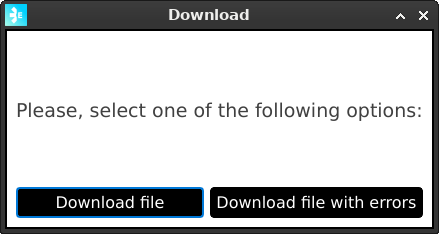
Download file
This option will download the file in CSV format.
Download file with errors
This option will export an Excel file with three sheets:
Data: This sheet contains the original table with all the errors painted in red.
Errors Description: This sheet contains the description of the errors detected by ODE with the corresponding cell (row and column).
Blank Rows: This sheet contains the rows on the original table that did not contain any values.